Making Picks
How to submit your picks each week.
Finding the Picks Page
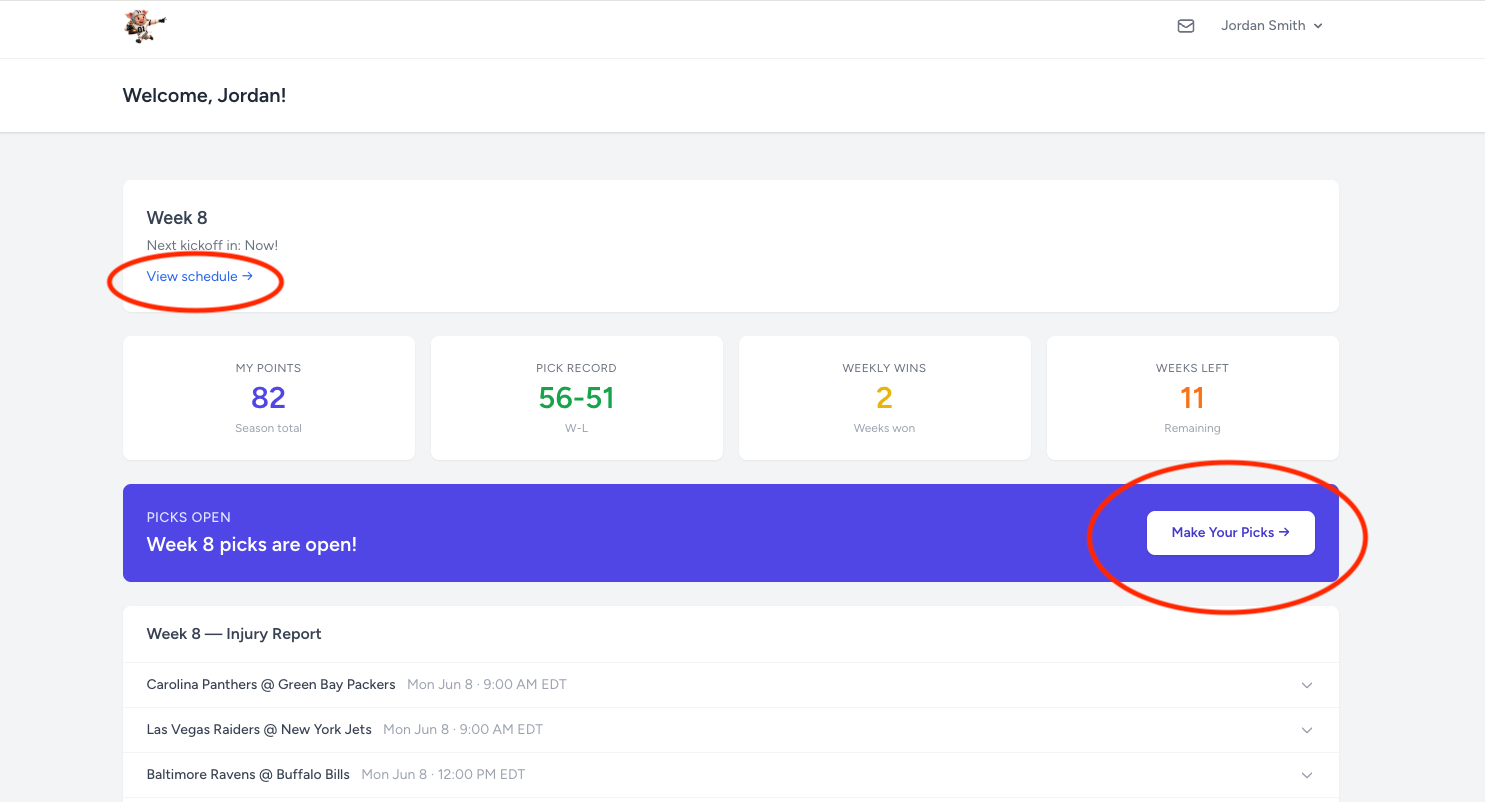
From your dashboard, the current week's picks are shown prominently with a Make Picks button. You can also navigate directly to any week using the Schedule page, which lists all 18 weeks and shows which ones are open for picks.
Selecting Your Winners
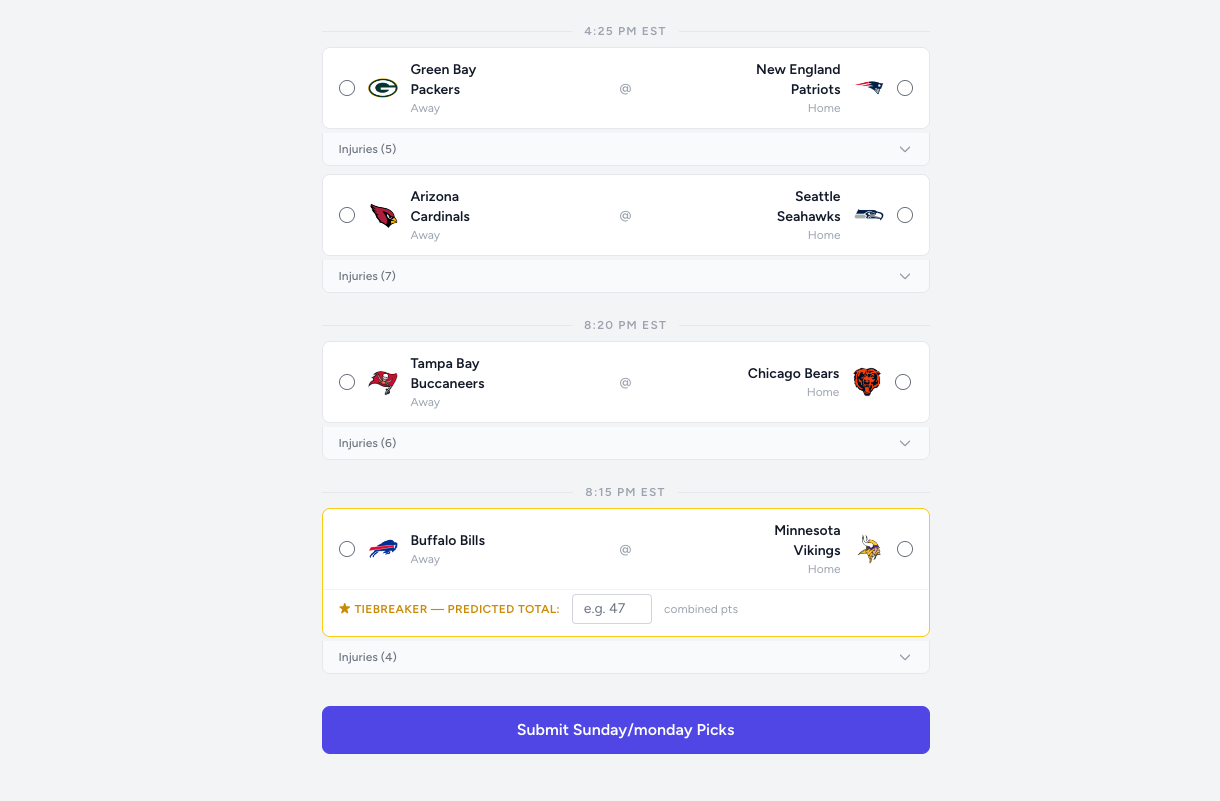
On the picks page, each game is shown with both teams. Click a team logo or name to select them as your pick for that game. Your selection highlights — click again or click the other team to change your mind. How long you can change picks depends on your league's settings: either up until each game's kickoff, or until a single Sunday deadline for all games that week.
Saving Your Picks
When you're done, click Submit Picks at the bottom of the page. You'll see a confirmation message and your picks will be saved.
Whether you can come back and update picks after submitting depends on your league's Pick Visibility setting. If your league uses the Submit First option, submitting locks your picks for the week — you won't be able to go back and change them. In leagues with open or hidden-until-kickoff visibility, you can return and update picks as long as the deadline hasn't passed.
Checking Results
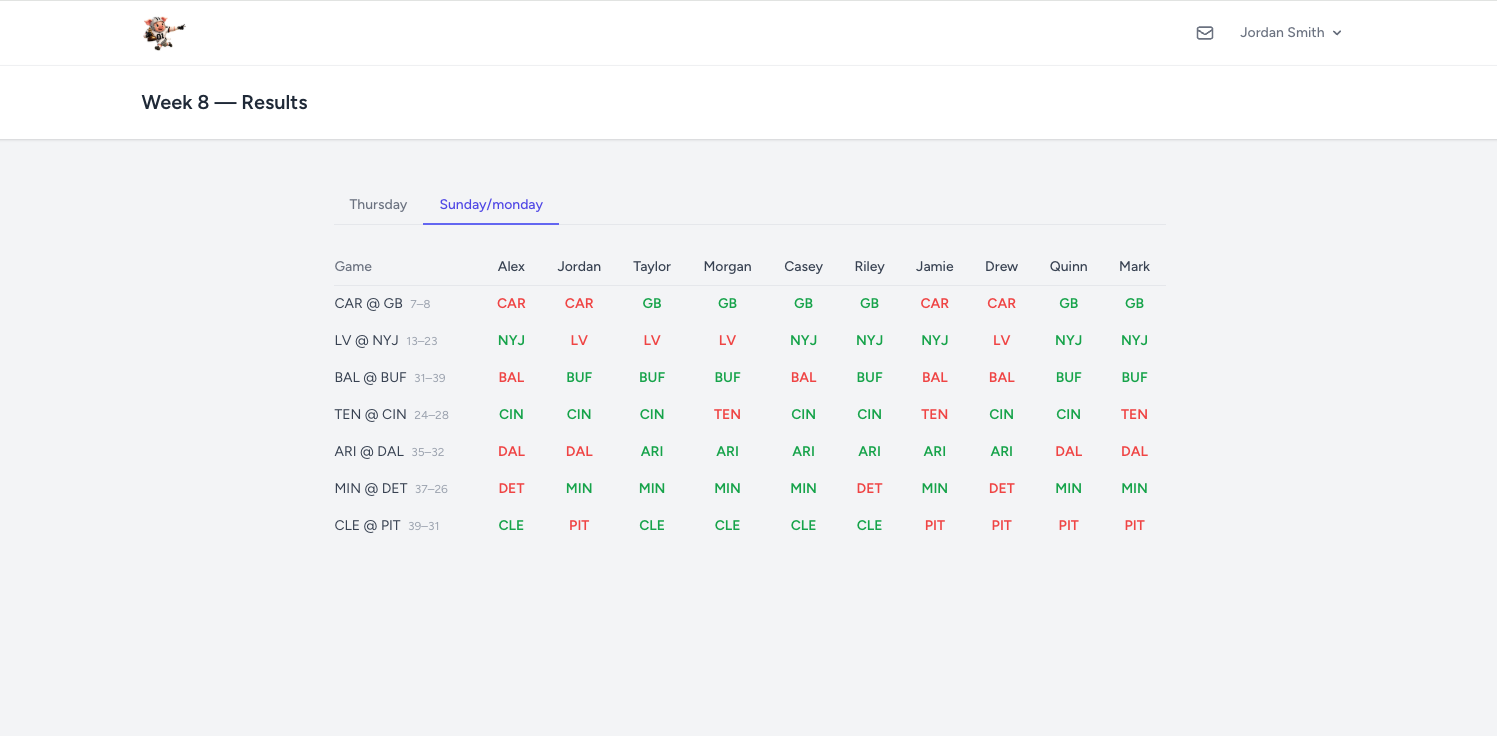
After games finish, you can see how your picks did on the Results page. Green indicates a correct pick, red indicates a miss. When you can see other players' picks depends on your league's Pick Visibility setting — they may be visible immediately, only after you've submitted your own, or not until after kickoff.